


How to build a Crypto Portfolio Tracker with Web3 APIs
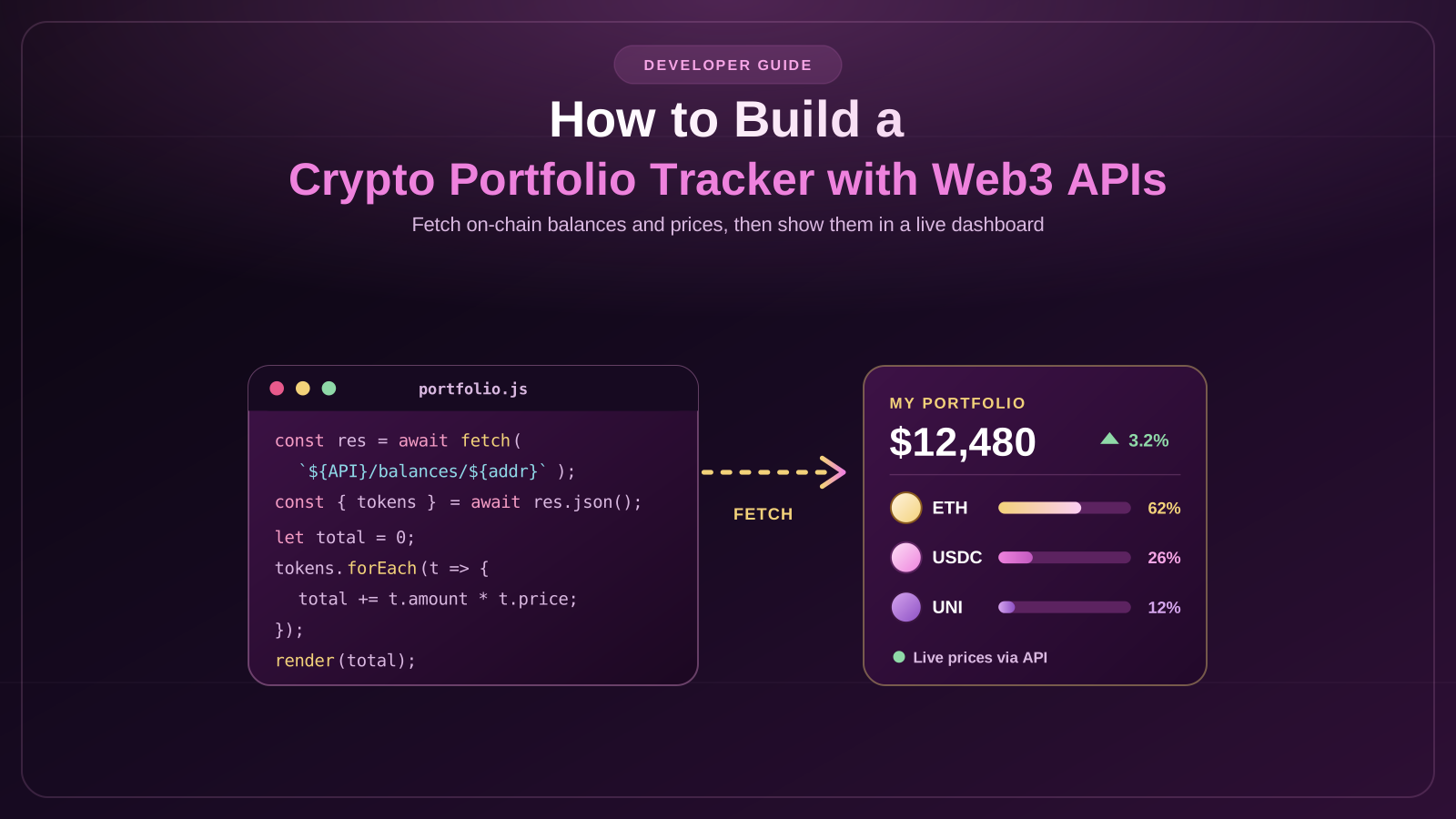
A crypto portfolio tracker is an app that enables users to track their cryptocurrencies and token prices, transactions, and performance from a single platform.
As users diversify their assets into various blockchain networks, it gets challenging to keep up with every wallet individually. This task can be simplified by using a portfolio tracker that gathers blockchain data and prices using APIs.
Key features of a Crypto Portfolio Tracker
Prior to developing the application, list down the functionalities you want it to perform.
- Wallet monitoring: Get balance data of tokens linked to a public wallet address.
- Real-time price feed: Get latest prices of supported cryptos in the market.
- Portfolio value calculation: Determine the total value of the portfolio.
- Transaction history: Include transactions made, swapping of tokens, deposits, and withdrawals.
- Cross-chain capabilities: Monitor wallets across various blockchain platforms like Ethereum, Polygon, Base, and Arbitrum.
- Analytics: Portfolio breakdown, changes in portfolio value, profits/losses estimation.
Begin with wallet balance data, token prices, and transaction history. Analytics can be implemented later on once the tracker is stable.
Step-by-Step Guide to building a Crypto Portfolio Tracker
Step 1: Set Up the Development Environment
Set up a React or Next.js application and set up a backend service through Node.js. Create an account with your preferred Web3 data provider and acquire the needed API credentials.
Store the API keys on the backend rather than exposing them on the client side. Set up environment variables and make sure you have your development and production environments ready.
Step 2: Retrieving Wallet Balances
The second step is getting the assets of the wallet addresses.
Make use of the portfolio API call to get the balance of the cryptocurrencies and token balance that is supported. In case of a multichain tracker, set up the supported networks and aggregate the results into a standardized data format.
Each asset entry must have information like its token name, its symbol, the contract address (if any), its blockchain network, and its quantity balance.
Step 3: Integrate Cryptocurrency Prices
Only knowing wallet balances is not enough to determine the worth of the portfolio. Prices should be known as well.
Get a market data API to access prices of the supported assets. Identify tokens using the proper asset ID or contract addresses instead of their symbols since there may be tokens with the same ticker.
Calculate the value of each position multiplying token balance by its price. Add up individual position values to get an estimation of the portfolio’s worth.
Updates should happen on a reasonable schedule depending on the limitations of the API and requirements of your application.
Step 4: Create the Portfolio Dashboard
Create a dashboard where all collected information will be presented in a clear way.
Show the total value of the portfolio, balances of assets, their percentage share, price changes, and a breakdown by blockchain network. Charts will be helpful to understand which assets have the biggest share of the user’s portfolio.
Make some options for sorting and filtering assets by value, network, and price change.
Step 5: Add Transaction History
Fetch data on historical transactions and token transfers using the blockchain indexing API.
Present details such as transaction type, token amount, timestamp, network, and transaction ID. Whenever possible, provide the block explorer link for each transaction.
For more detailed analytics, add swap data to transaction history. This allows separating regular transfers from trades and offers additional context for analyzing changes in your portfolio.
Step 6: Calculate Portfolio Performance
Estimate gains or losses through comparison of current balance against the purchase price.
In order to do so, you will need historical transaction data, which includes but is not limited to: purchases, sales, transfers, fees, and other movements of the asset. Movements of assets between wallets belonging to the same user should not be counted as sales.
Consider an appropriate cost-basis approach and take into account missing transaction data, token migration, and lack of historical prices.
Security and data accuracy considerations
The tracker for a user’s portfolio usually requires no more than a public wallet address to show their holdings on chain. Users should never be asked to enter a seed phrase or a private key.
API requests may come late, incomplete, or inaccurate due to indexing problems. Indicate when the data was last updated and do not display estimated portfolio as a real-time accurate value.
Make sure that API credentials remain safe, inputted data is validated, and that the application recognizes which network assets belong to.
How to start building your crypto portfolio
Developing a crypto portfolio tracker using Web3 APIs requires fetching wallet balances, getting market prices, displaying the transaction history, and performing portfolio analytics. Tools like React and Node.js may help create an application framework, and blockchain and market APIs will serve the purpose of gathering data for the dashboard.
Start with basic tracker functionality and add more features as your needs evolve.
FAQs
What is the Web3 API?
Web3 API is an interface that gives the opportunity to get information about the blockchain, such as wallets balance, token transfers, transactions and smart contracts.
Which APIs can be used for a crypto portfolio tracker development?
Alchemy and GoldRush services can be used for obtaining the blockchain wallet data, and the CoinGecko API can be used to get cryptocurrencies data and prices.
Is a portfolio tracker able to work with several blockchains?
Yes, the portfolio tracker will be able to work with several blockchains, provided that its data provider supports those blockchains and the application will properly arrange all balances according to networks.
Is it necessary for the portfolio tracker to have the access to private keys?
No, the portfolio tracker will not require private keys, since it will get all necessary information from on-chain data using the wallet address.